
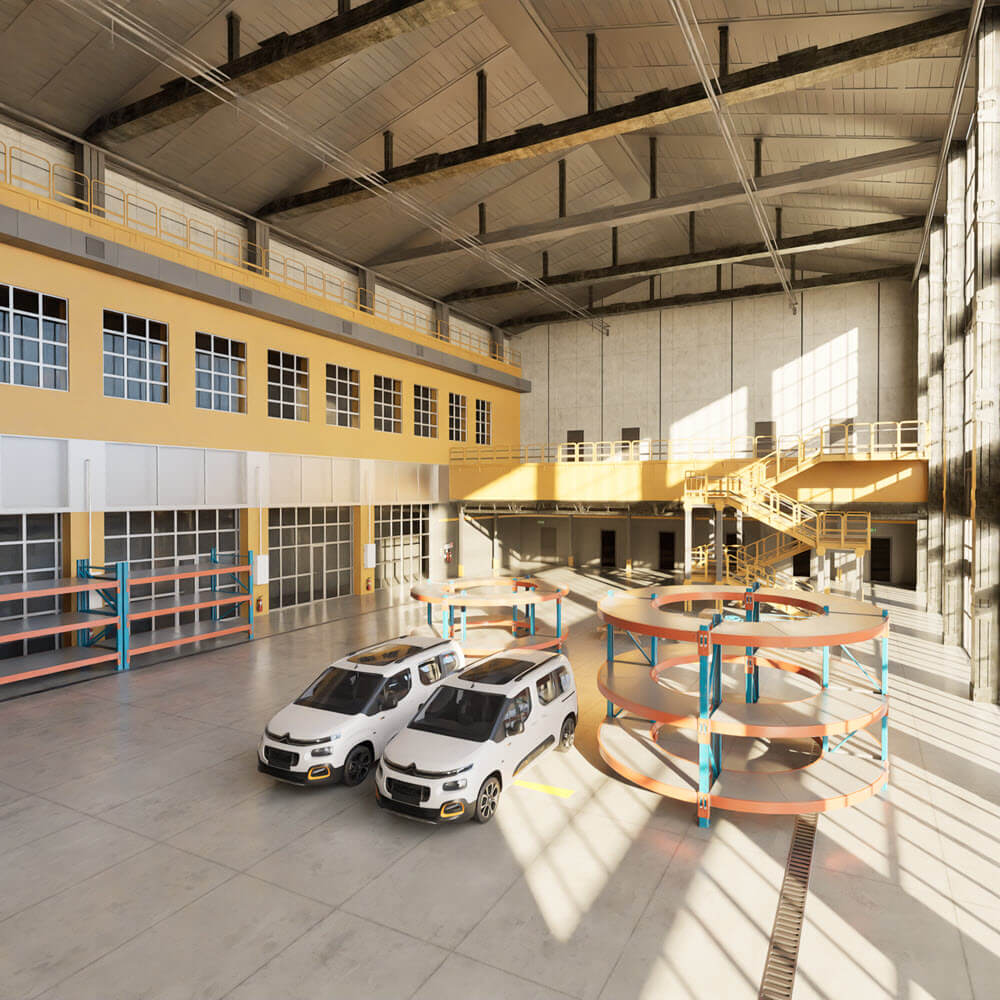
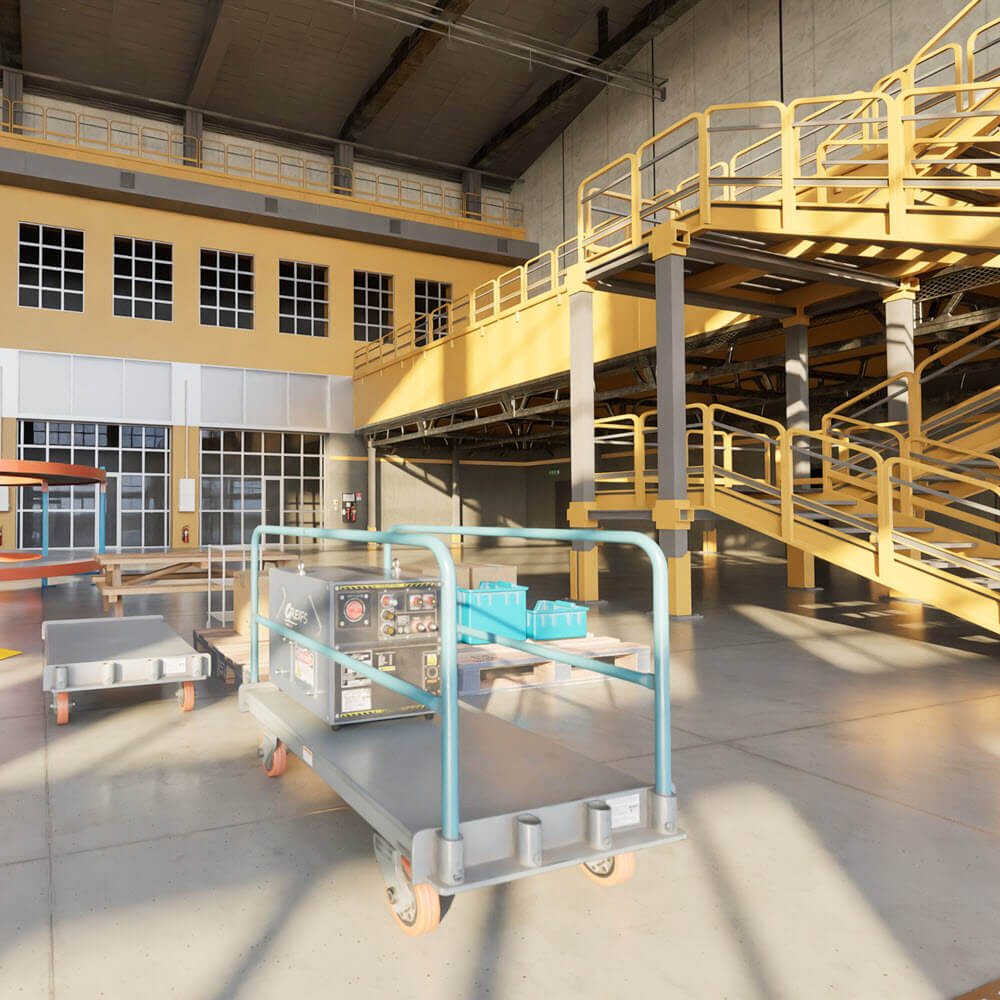
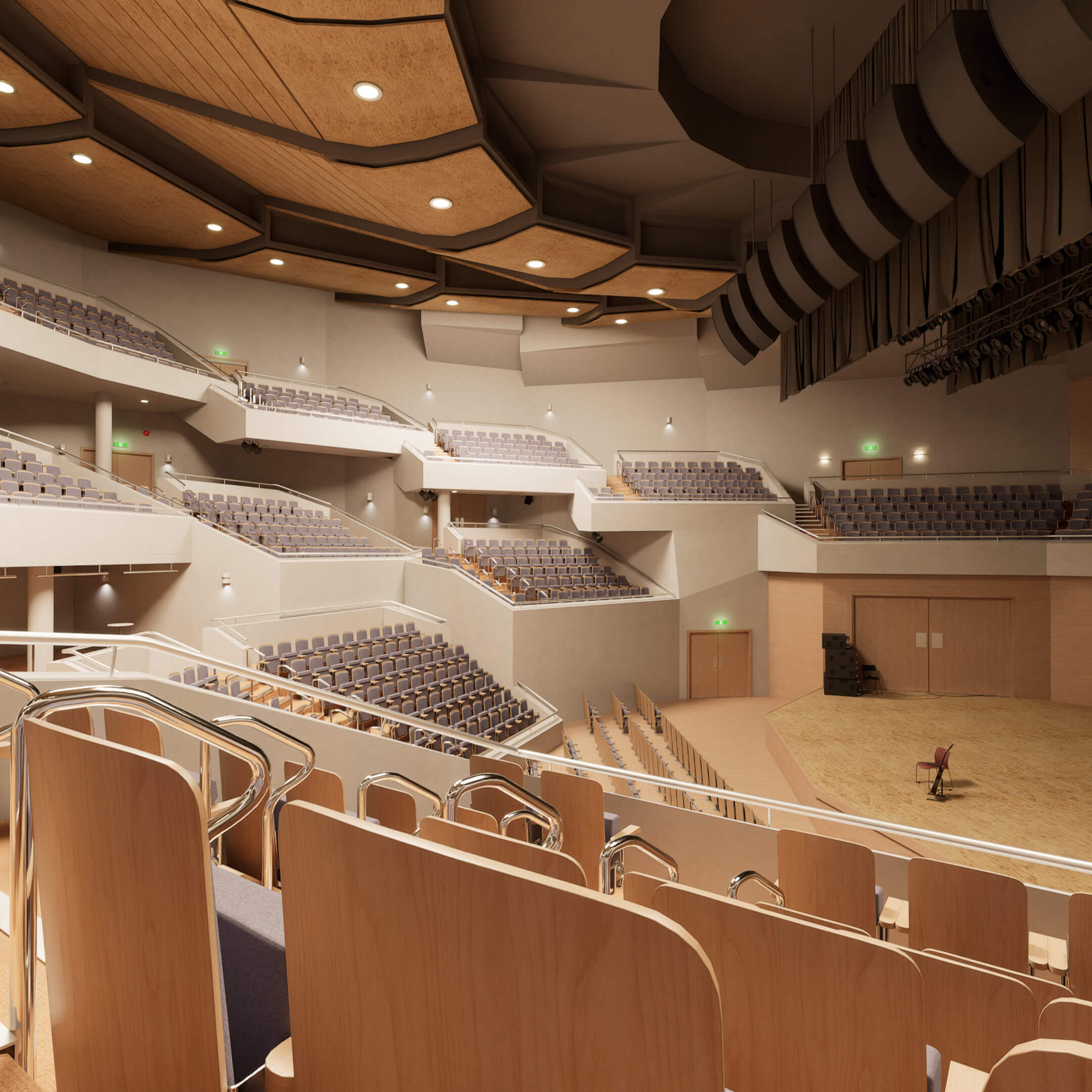
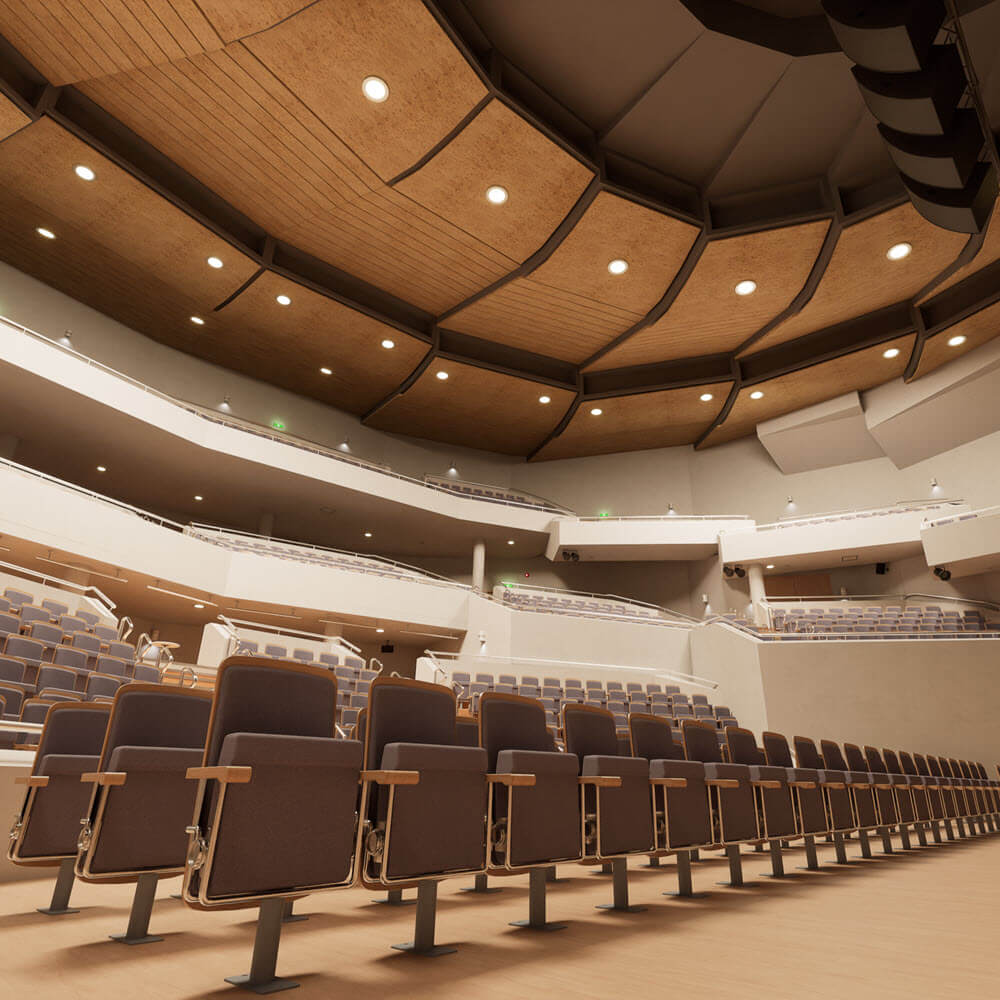
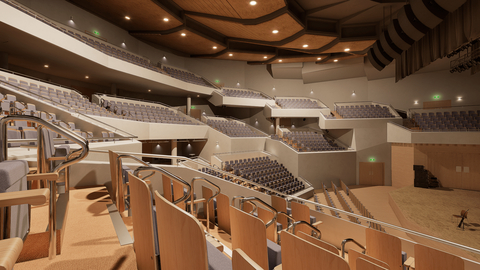
Compatible with all types of buildings


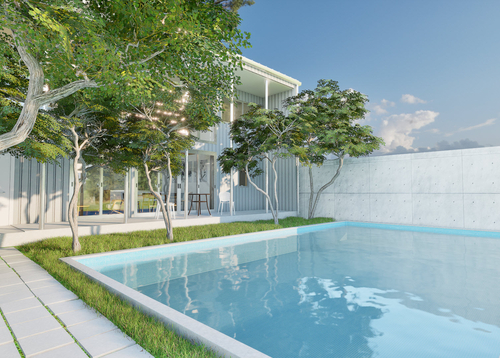
Step 1
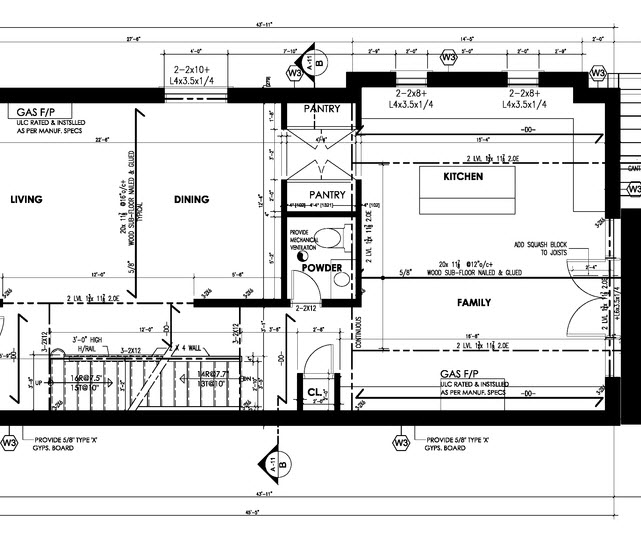
Submit your architectural project plans and sketches.
Please share your 2D information such as floor plans, elevations, sections, layout plans, sketches, etc. in one of the following formats:
- 2D CAD data formats such as DWG, DXF, JWW
- PDF, SVG, PNG, JPG
※ 2D CAD data formats like DWG, DXF, JWW are data formats used in architectural CAD software. Please obtain them from your architects.
Step 2
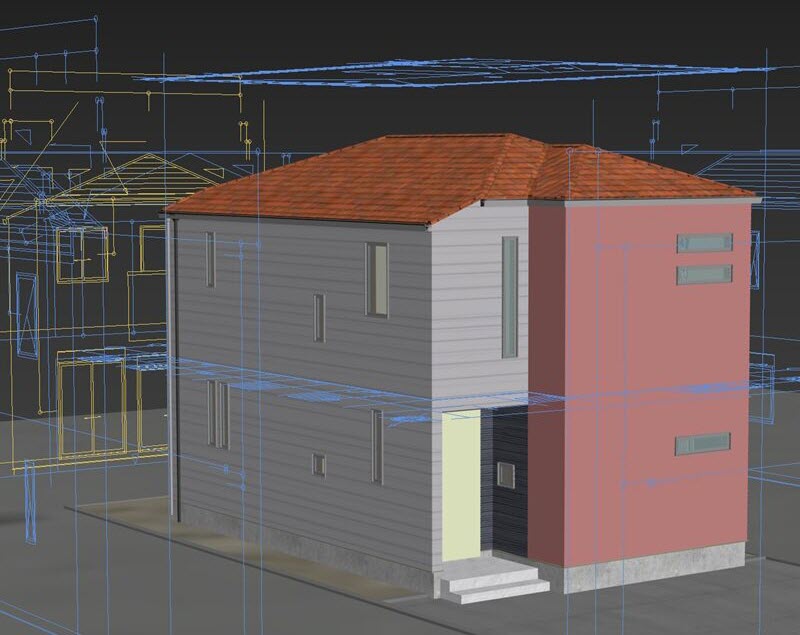
We create a 3D model of your project.
Based on 2D data, we will accurately create a 3D model of the space.
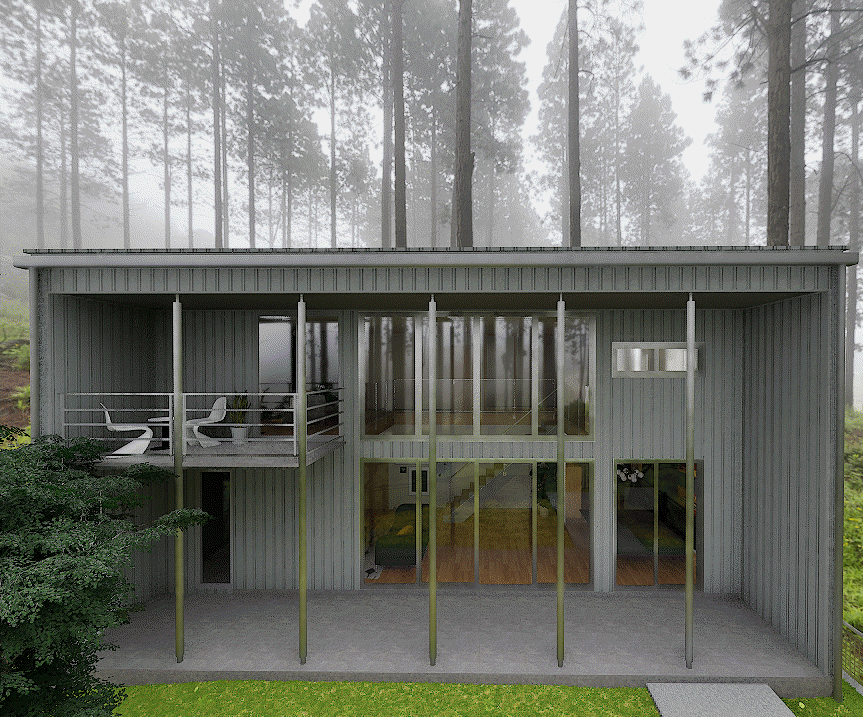
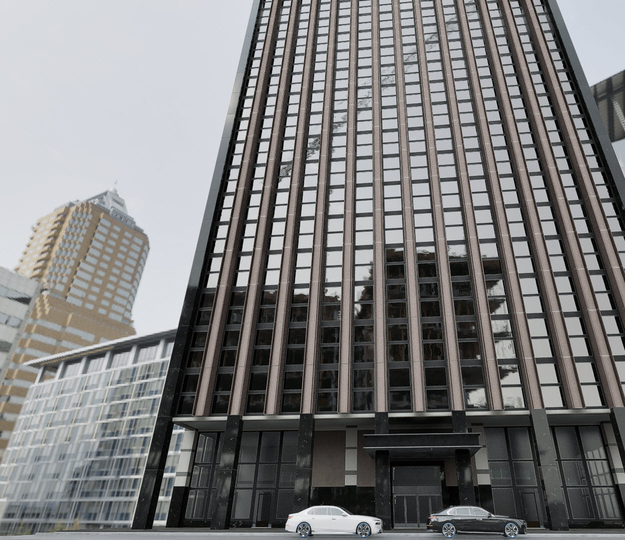
※ If your architects uses BIM software such as Revit or Archicad, 3D data will be generated during the design process. for projects with architectural CG images prepared for presentations, 3D models of the space should already be created using software like Sketchup. If you can get 3D data from professionals such as architects, you can enjoy the building app with the “Quick Package”.
Step 3
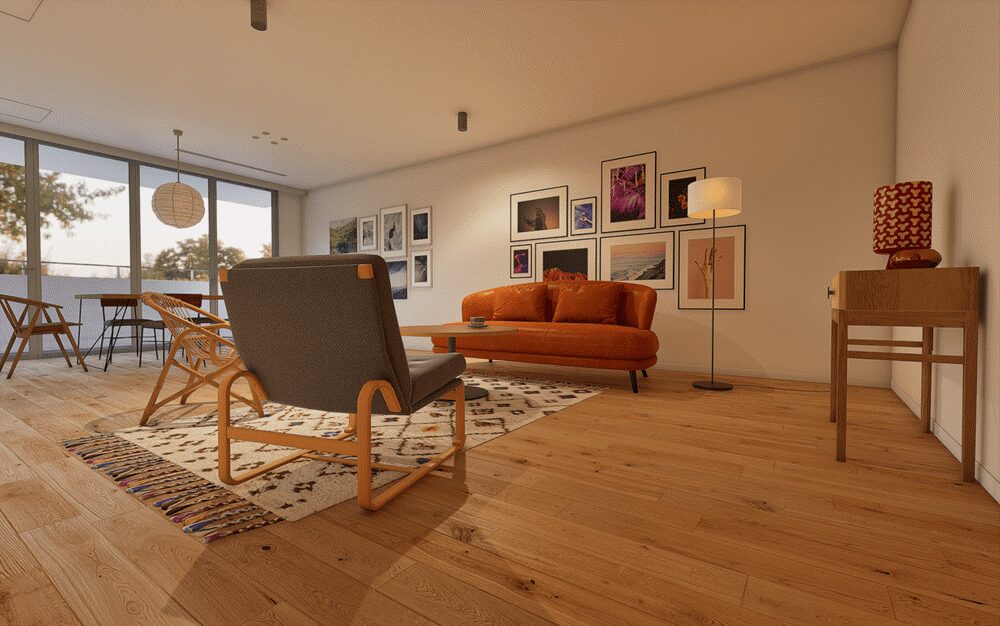
We will undertake interior styling.
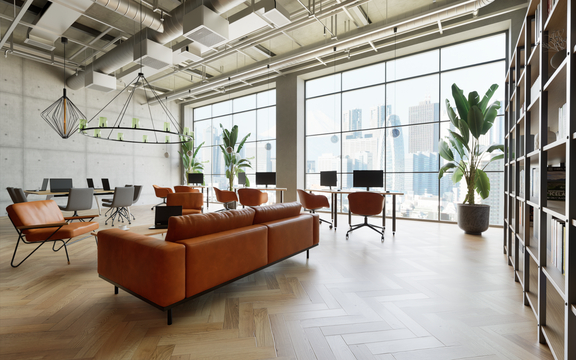
Experienced interior stylists from R.Design will perform space styling. The materials used for styling will be high-resolution materials and high-polygon 3D models that enable high-quality visuals.
Step 4
We will deliver your house model as an architectural presentation app.
We will deliver an architectural app equipped with state-of-the-art visualization features, but smooth operation of the app requires a PC with a dedicated GPU. For those who have a low-spec PC, we will deliver CG still images.

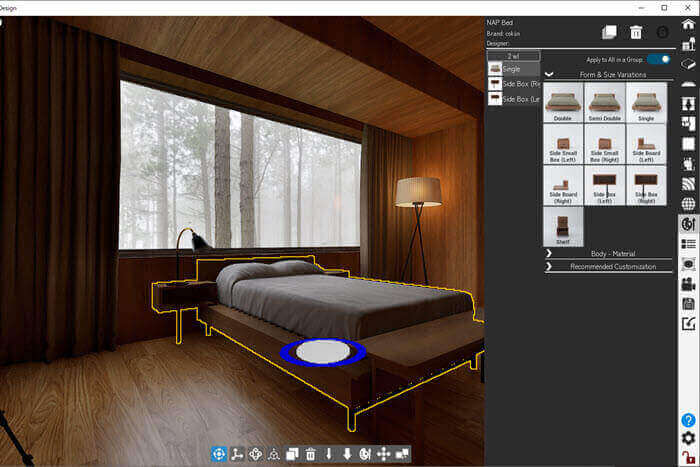
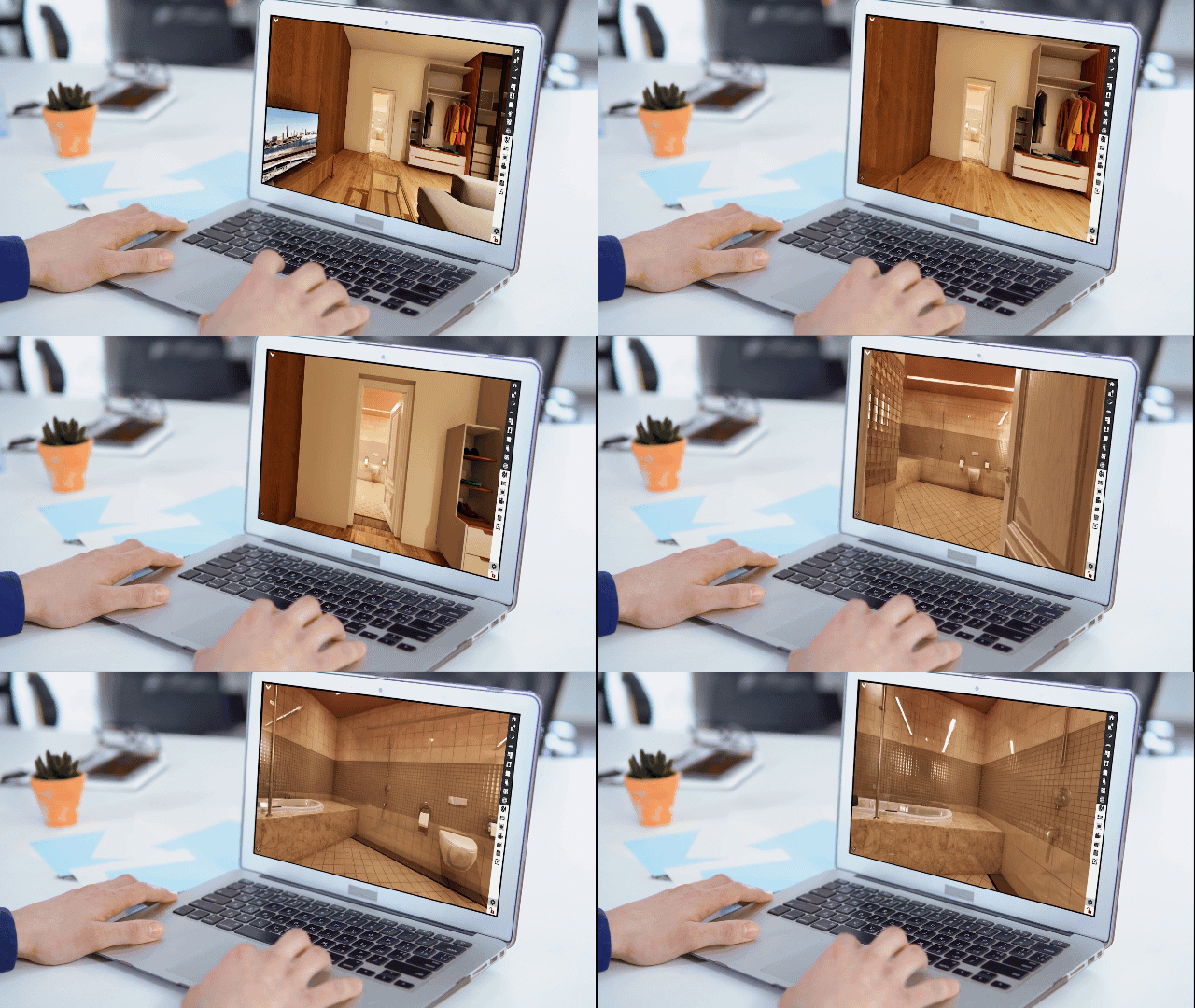
For those who have a PC with a dedicated GPU.
Enjoy the latest architectural visualization!
We will package your project into the R.Design app that enables real-time walk-through in a space while maintaining photorealistic visual quality. The R.Design app is available for free download, so please try it.


Reviews
There are no reviews yet.